
AI Video Analytics on Edge
WESTCOM
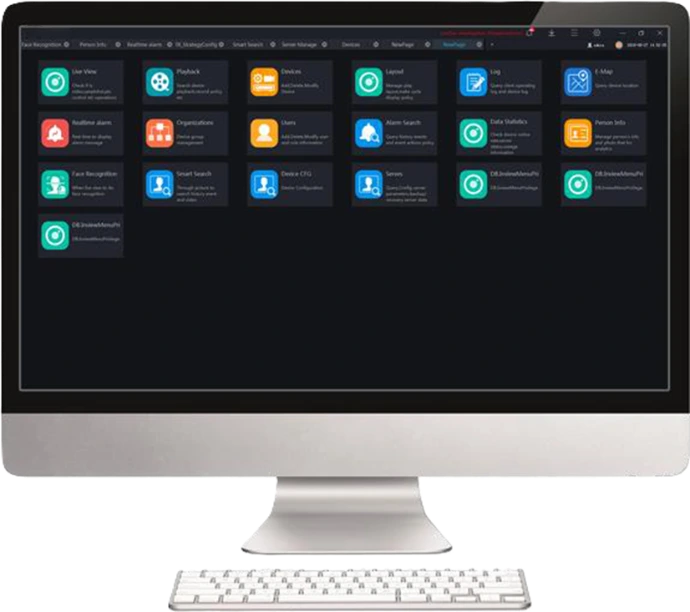
Security Station CMS is professional video management software for businesses.
With advanced Server/Client architecture, it fulfills your demands and
expectations, and can be used for video management of different monitoring
scales. It supports centralized management, distributed deployment, multi-user
remote access. With user management, device management, server management,
alarm management, map management, device configuration, real-time video, video
playback, personnel archive management, data statistics, face recognition and
other functions, can meet a variety of video surveillance solutions.

Deep Learning Technology
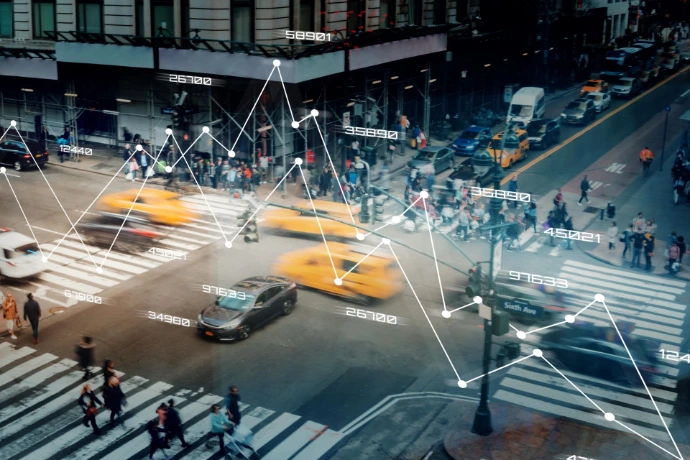
WESTCOM's VCA is powered by a deep learning AI engine, delivering significantly advanced accuracy in people detection compared to traditional rule-based designs. Leveraging our vast surveillance experience and extensive image databases, we developed a neural-network powered engine trained specifically to recognize the human form instantly. Since people are the primary focus of most surveillance, this feature allows users to quickly configure installations. People-detection ensures that only human activities trigger events, effectively ignoring swaying vegetation, vehicles, and animals. This drastically reduces false alarms and minimizes the time and effort needed for camera configuration.
Complete Video Security Solution with WESTCOM
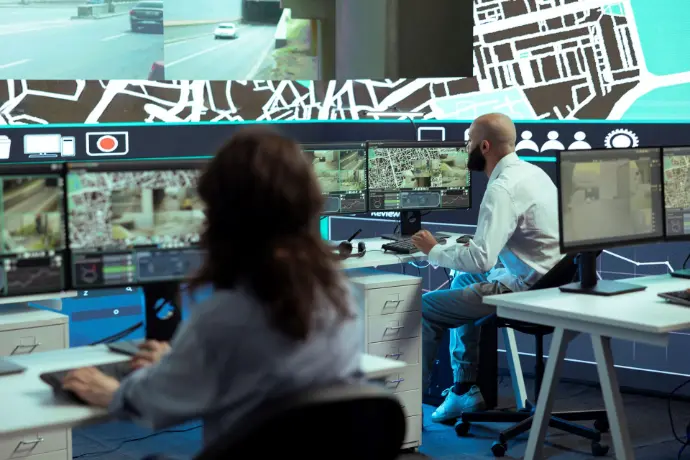
Manage all devices and accounts from a single, unified platform. This gives you accurate event monitoring and intuitive security system operation—including video investigation—no matter your location.
AI adoption in security is frequently hindered by challenging installation and configuration processes, resulting in slower implementation for installers and a higher learning curve for end-users. Deep Search is designed to address this complexity head-on. It simplifies the entire process and provides automated investigation features that quickly transform user judgment into confident, efficient action.
|
Capacity |
|
|
Maximum Number of Cameras |
Up to 20000+ channels |
|
User |
Up to 5000 Users |
|
Roles for each User |
Unlimited |
|
Live View |
|
|
Screen Layout |
1/ 4 /6 /8 /9 /16 /25 /32 /36 /64 layout 1/ 4 /6 /8 /9 /16 /32 /64 custom layout |
|
PTZ Control |
Pan, Tilt, Zoom, Edit and control, Zoom+, Zoom-, IRIS +, IRIS-, Near focus, Far focus, Focus, Orientation, Wiper, turn on the light, Cruise, Preset |
|
Image |
Brightness, Sharpness, Saturation, Contrast |
|
Features |
Close View, Start Audio, Start Intercom, Start Record, Snapshot, Continuous Snapshot, Window Ratio, Restore, Start 3D, Full Screen, Hardware Acceleration, Open Mouse Thermometry, Show Area Temperature |
|
Playback |
|
|
Playback |
NVR recording playback Playback maximum 16 channels under several modes & full screen. |
|
Function and Feature |
Recording schedule, Rewind, Pause/Play, Stop, Next frame, -8x~8x speed for forward and backward, Layout display, Full screen, Download, Select progress bar format |
|
Alarm |
|
|
Real-Time Alarm |
Alarm display, Alarm processing, Alarm operation, Interface display, Toolbar alarm shortcut settings |
|
Alarm Search |
Time, Type, Processing status, Device name, Operation, Alarm information, Interface display setting |
|
E-map |
|
|
Format |
PNG/XPM/JPG |
|
Map Alarm |
Alarm flash |
|
Features |
Hot spot, map zoom in/out |
|
User Management |
|
|
User Management |
Add, Delete User and Role Edit and Delete User, Query user |
|
User Level |
Administrator, Operator |
|
User Info |
User name, password, user level, permissions Different default permissions for different user levels Assignable permission(s) of each IPC |
|
Privilege |
Menu Privilege, Channel Privilege, Face Library Privilege |
System Configuration
|
Base Setting |
Login, alarm message, language, initial page set, video proportion, decoding method, default stream |
|
File Path |
Configuration picture and video save path |
|
Hotkey Setting |
Configuration help documentation, preview full screen, playback, real time alarm, system configuration, user management, device management, capture, lock screen, switch users, turn on/off alarm sound, start/stop record shortcut key. |
|
Capture Setting |
Setting capture interval |
|
Log Export |
Configuration log export path |

